
Getting started
What is PlanPost?
PlanPost is an automated lead generation service for UK builders and construction companies. We monitor planning applications from local planning authorities across the UK, match them to your area and project types, then print and post personalised letters to homeowners on your behalf.
How long does it take to set up?
Less than five minutes. Set your area and radius, choose the types of work you want, create your account and pick a plan. Then generate your letter wording with AI or write your own and add your letterhead. Matching starts as soon as you've subscribed.
How current is the data?
PlanPost checks local planning authorities across the UK for new applications every day. Matching ones appear in your dashboard when we find them.
Do I need any technical skills?
Not at all. PlanPost is designed for busy builders. Everything is managed from a simple dashboard. We handle the monitoring, matching, printing and posting.
Areas and targeting
Which councils do you cover?
Local planning authorities across the UK, checked daily. Pick your patch and PlanPost monitors the councils that cover it. You can see recent application numbers for your town on our leads by area pages.
What types of work are covered?
We cover a wide range of residential construction categories, including extensions, loft conversions, new builds, conversions, heritage work, outbuildings and more. You choose which categories you want to receive leads for.
Do I get an area to myself?
No. Areas aren't exclusive, so other builders can use PlanPost in the same place. The advantage is speed: your letter can reach the homeowner early.
Can I cover more than one area?
Starter has one area, a circle of 1 to 20 miles. Professional has up to 3 and Business up to 5, and on those you can draw the shape on a map.
Can I target specific work, or certain homes?
Every plan can choose project types. Business can also filter an area by tags, such as dormers or bifold doors, and by property type. Larger accounts can add a minimum property value. See how it works for larger firms.
How is this different from searching council sites myself?
Council portals weren't built for daily checking, and they all work differently. PlanPost does the checking for you, then prints and posts the letters too.
Letters and sending
What do the letters look like?
Letters are printed on quality paper with your company letterhead, name, and contact details. You're in full control of the wording: generate your letter text with AI or write your own template, and use our AI-generated letterhead or upload your own custom PDF design. Each letter is personalised with the property address and details about the planning application, and addressed by name where the council publishes it.
Do the letters use the homeowner's name?
Where the council publishes the applicant's name, the letter is addressed to them by name. Where it does not, it goes to the homeowner at the address. You do not need to do anything: PlanPost decides per letter and never guesses a name. Each lead shows who the letter is addressed to.
Do you write the letter for me?
Yes, if you want us to. Our AI letter writer drafts a complete letter from your business details. You pick a voice (warm, professional or straight-talking), try different versions and edit freely before it goes out. You can also write your own.
Do I have to print and post the letters myself?
No. Each letter is printed with your letterhead and posted by Royal Mail. It's included in your plan.
How quickly are letters sent?
Applications are checked daily. Once a new application matches, your letter is posted by Royal Mail, usually within 1 to 2 working days, plus any wait you set.
Can I review letters before they are sent?
Yes. You can choose between automatic sending (letters go out as soon as a match is found) or manual mode (you review and approve each lead before a letter is sent). You can switch between these modes at any time.
What are approval letters?
An approval letter goes to the homeowner when the council grants planning permission. Each area can write when the application is submitted or when permission is granted, and you can add a wait in days. Writing at both stages is on Professional and Business.
Can I tell which letters are working?
Yes. Enable QR code tracking in your settings and PlanPost adds a unique QR code to every letter that redirects to your website. When a homeowner scans, the visit is logged to that lead's timeline and counted in your dashboard's 30-day stats. Included on every plan.
Billing and plans
How does pricing work?
Each plan includes a set number of letter credits per month. One credit equals one letter. If you need more letters than your plan includes, you can switch on extra letters at a small additional cost per letter. You can set a monthly cap to control spending.
Can I change my plan?
Yes. Upgrade or downgrade from your dashboard. Upgrades take effect immediately, and downgrades apply at your next billing date.
Can I cancel anytime?
Yes. No contract, no minimum term and no exit fees. Cancel or pause from your dashboard. Your account stays active until the end of your billing period, then letter sending stops and the dashboard closes. We keep your leads and templates for 30 days, so you can resubscribe and pick up where you left off. After that, your data is deleted.
Is there a free trial?
We do not offer a free trial, but all plans come with a satisfaction guarantee. If PlanPost is not right for you, you can cancel within 14 days of your first subscription for a refund, less the cost of any letters already posted.
What if I don't win any jobs?
We can't promise jobs, but we'll help. If you're not seeing the leads you expect, message us and we'll review your area and filters with you. If it's not for you, you can cancel anytime.
Do you work with larger firms?
Yes. Kitchen companies, merchants and multi-area teams have their own setup, agreed with you. See how it works for larger firms.
Privacy and data
Is this legal? How can you send letters to homeowners?
Planning applications are public records published by councils. We write to the address on the application and, where the council publishes it, use the applicant's name, relying on legitimate interest under UK GDPR; post does not need consent. Anyone who does not want letters can tell the builder or opt out at planpost.co.uk/stop, and we stop every PlanPost letter to that address. Our privacy policy explains what we hold and why.
What data do you collect about me?
We collect your name, email, business details, and payment information (processed securely by Stripe). We also store your monitoring preferences (area, radius, categories) and lead tracking data. See our Privacy Policy for full details.
Where is my data stored?
All data is stored on secure, encrypted servers. Payment processing is handled by Stripe (PCI DSS compliant). We do not sell or share your personal data with third parties except where necessary to deliver the service (printing, posting, payment).
Can I delete my account and data?
Yes. You can request full deletion of your account and associated data at any time. Under GDPR, you have the right to access, correct, or delete your personal data. Contact us and we will process your request within 30 days.
I'm a homeowner and I don't want these letters. How do I stop them?
Tell the builder who wrote to you, email [email protected], or use the form at planpost.co.uk/stop. Whichever you choose, we stop every PlanPost letter to your address, from every builder. A letter already printed may still arrive in the next few days.
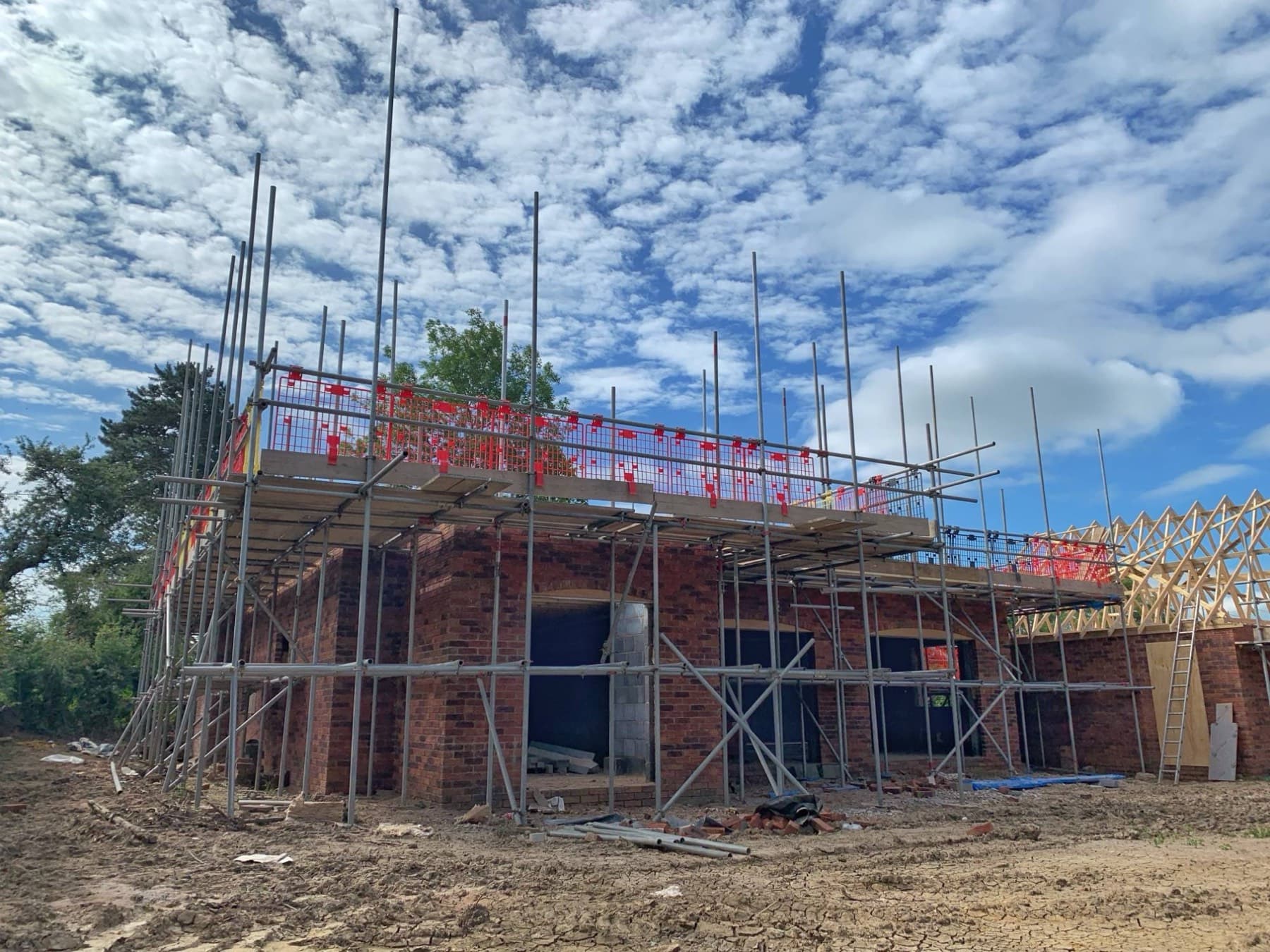
Your next job is waiting in a planning application today.
PlanPost finds it, writes to the homeowner, and puts you first in the queue while you're on site.
From £39/mo · No contract · Cancel anytime · 14-day satisfaction guarantee