
On every plan
Daily checks
New applications, found for you
We check local planning authorities across the UK daily, classify each application by type of work, and match it to your area. Matching ones appear in your dashboard as leads.

Features
From finding planning applications to posting your letters and tracking the job. Here's how each part works, and which plans it's on.
Watch the tour
Several areas, targeting, letter timing, property details and your team, with the plans each one is on.
Each scene says which plans have the feature. Captions are on screen. Sample account and sample figures throughout.
On every plan
Daily checks
We check local planning authorities across the UK daily, classify each application by type of work, and match it to your area. Matching ones appear in your dashboard as leads.
On every plan
Your area and work
Set a radius of 1 to 20 miles and pick your project types: extensions, loft conversions, new builds, conversions, outbuildings and heritage. Change them whenever you like.
On every plan
Letters
Your letterhead, your company name, the address and the project, addressed by name where the council publishes it. Send automatically, or review each lead first. We print the letter and post it by Royal Mail.
On every plan
AI setup
Don't have a letter? Our AI writer drafts one from your business details in the voice you choose, and the AI letterhead generator builds one from your company details. Or upload your own. You edit everything before it goes out.
On every plan
Letter timing
Choose when each area's letters go out: when the application goes in, or when planning is granted, and how long to wait before sending. Professional and Business can write at both stages.
On every plan
Lead pipeline
New, Letter sent, Responded, Quoted, Won. See where each lead sits, search them, add notes, and record the job value when you win.
On every plan
QR tracking
Add an optional QR code to your letters. When a homeowner scans it they go to your website, and the scan is logged to that lead and counted in your dashboard.
On every plan
Dashboard and Friday report
Leads needing action, letters left and how your letters are doing, all in your dashboard. A Friday report email keeps you up to date when you're too busy to log in.
Professional and Business
Property intelligence
See the property's estimated value, last sale, EPC rating and floor area on your leads, where records exist. Export your leads to CSV too.
Business
Team and targeting
Up to five people on one account, up to five areas, tags and property type filters on each area, and unlimited letter templates.
What the research says about how people treat mail.
See the figuresSee exactly what's on Starter, Professional and Business.
See pricingAreas drawn to match your branches, property value targeting and more.
For larger firms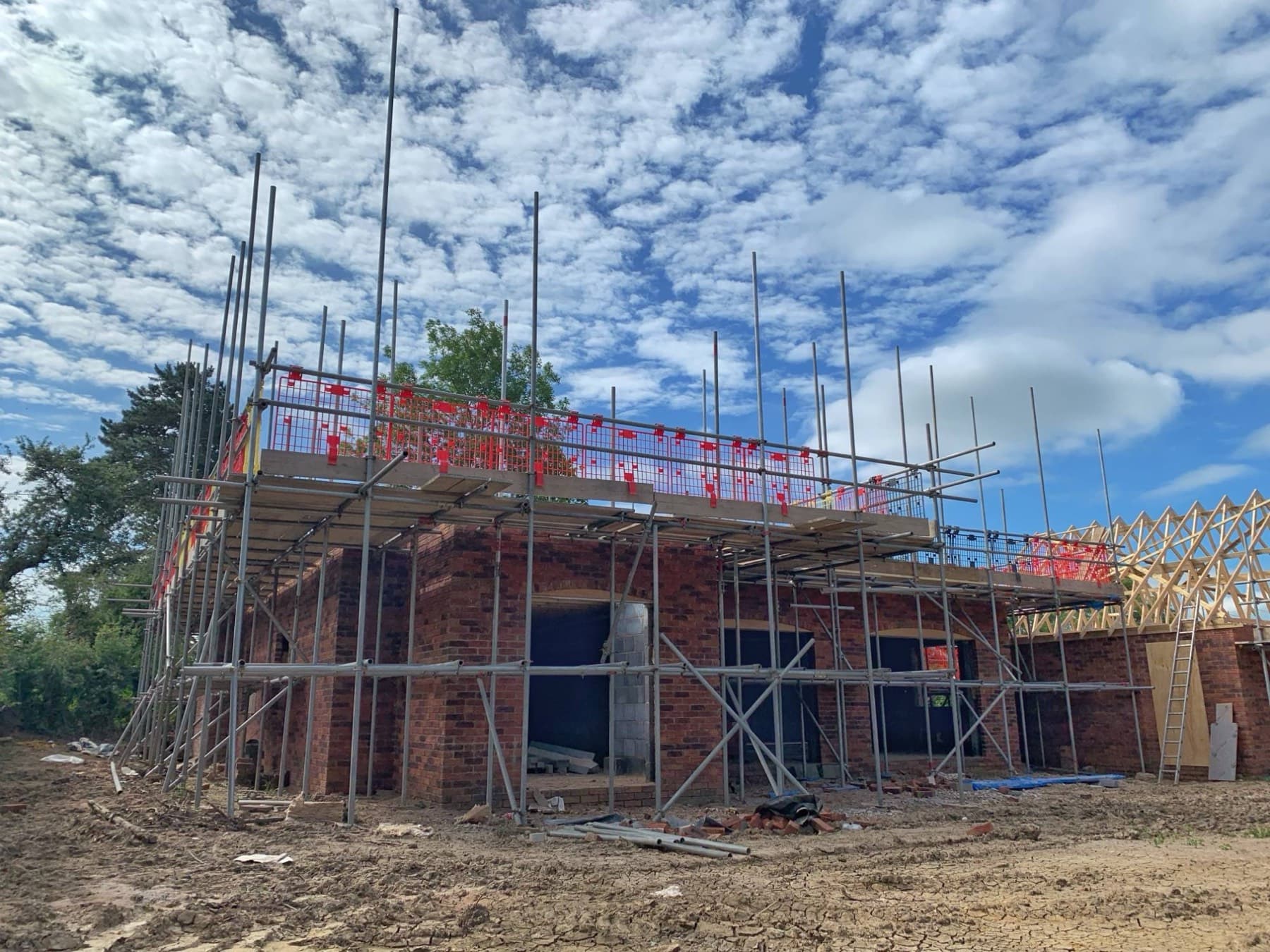
PlanPost finds it, writes to the homeowner, and puts you first in the queue while you're on site.
From £39/mo · No contract · Cancel anytime · 14-day satisfaction guarantee